
Audit
Every action in the console and in each portal is written to the organisation's tamper-evident audit trail, which you can filter, verify and export.
Every action taken in the MSP console, and every event inside an organisation's portal, is written to that organisation's audit trail. Each record is chained to the one before it with a cryptographic hash, so if a record were removed or changed, the chain would break and the check would say so.
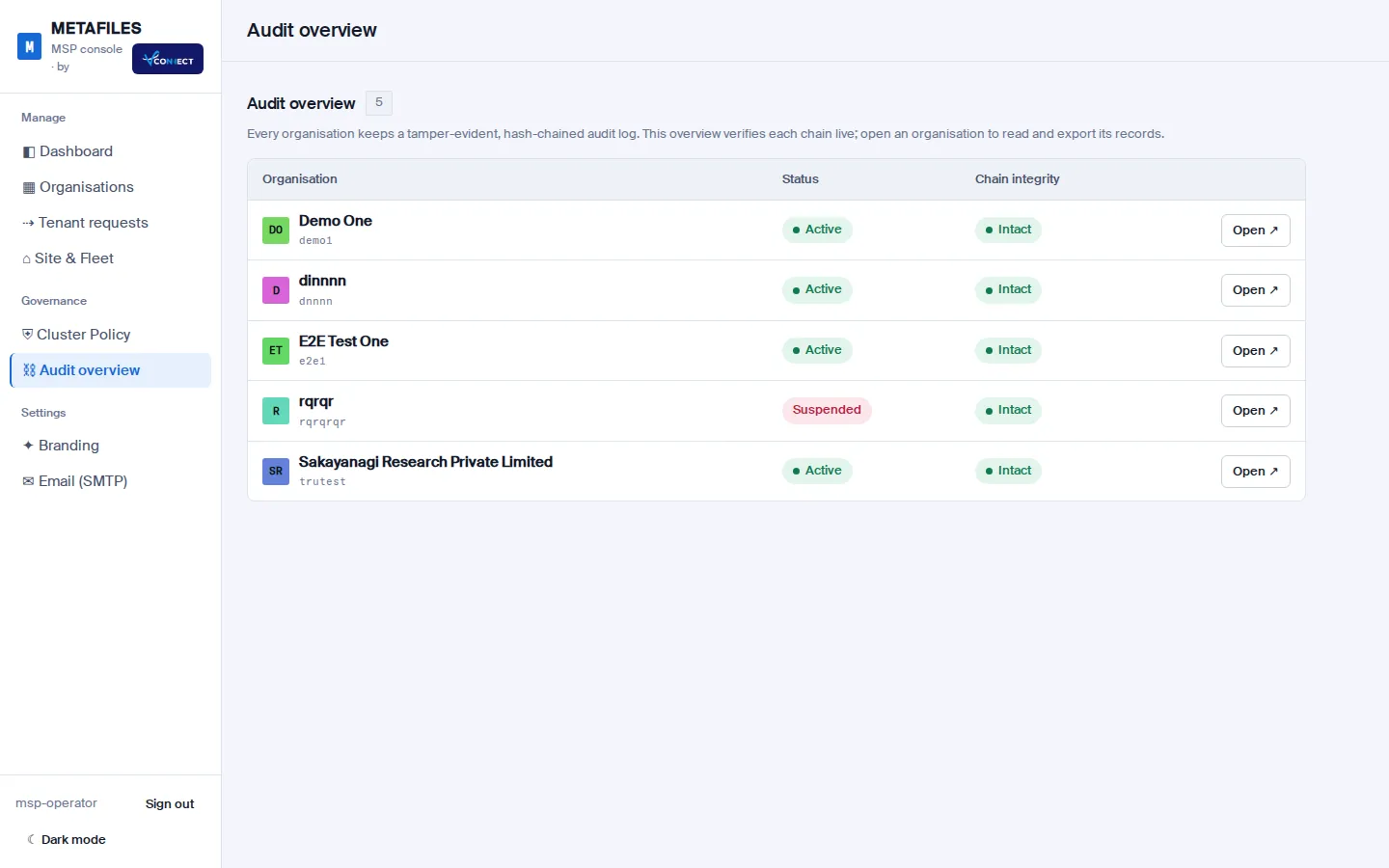
Audit overview
Governance > Audit overview checks every organisation's chain live, one row per organisation, with its state (Intact) and a link to open it.
An organisation's audit trail
On each organisation page, the Audit trail block shows:
| Element | Meaning |
|---|---|
| Chain intact | The chain checks out from end to end. |
| N of M records | How many records are shown. |
| Filter and Search | Filter by user, action or file. |
| Columns | Number, when, source (console or portal), actor (the operator, the user, or the site itself), action, target and result. |
| Older | The next page of records. |
| Verify chain now | Checks the whole chain again, live. |
| Export CSV and Export JSONL | Download the records. |
Examples of actions you will see: a policy or plan change, a requested delete, the isolation check at the end of a build, a file read or preview.
When an organisation is deleted
The deletion record keeps the last entry of the organisation's audit chain. That way, the removal itself can be proven later, even though the organisation is gone. See Suspend and delete.
Machine actions
Actions in Site & Fleet are audited separately in the fleet audit log, shown under Site & Fleet > Activity: who asked, what, when, and the result of each step. See Site and fleet.