
Suspend and delete
Switch an organisation off safely with Suspend or Read-only, and remove it completely with a two-stage delete that has an undo window at each stage.
Removing a customer is deliberately a two-stage process: first you suspend the organisation, then, once that has taken effect, you delete it by typing its ID. Each stage has an undo window.
Suspend and Activate
The organisation page header has Suspend (or Activate when suspended) and Delete, next to the status badge.
- Click Suspend and confirm.
- Suspending waits for the undo window. During that time a "Scheduled changes" banner offers Undo.
- Once in effect, the organisation's address shows "This service is suspended" for every request, and the engine refuses its storage traffic. All data stays intact.
- Activate reverses it, also after the undo window.
Read-only
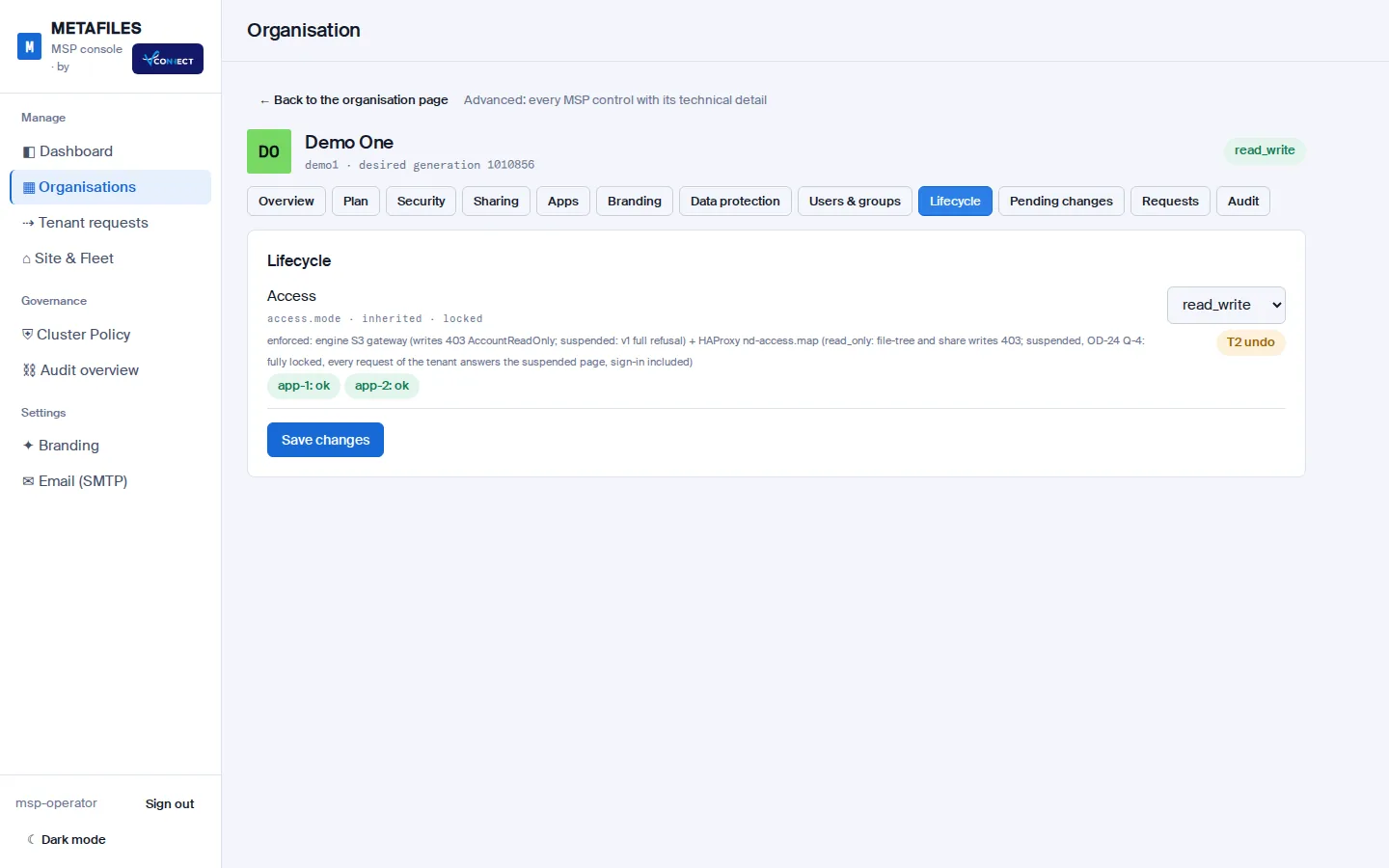
Read-only is the gentler option: users can still sign in, list and download, but every change is refused at the edge. Set it, and switch it back, under Advanced > Lifecycle on the organisation page. Like suspend, it waits for the undo window.
Why is Delete greyed out?
Delete is only available when all of these are true:
| Condition | If not met |
|---|---|
| The organisation is suspended | Delete is greyed: suspend it first. |
| The suspension's undo window has passed and nothing is pending | Delete stays greyed until it has. |
| The organisation is not building | Delete is greyed while a build runs. |
| It holds no retained or locked data (WORM, legal hold, or retention not yet passed) | Delete is refused with the reason. |
Deleting an organisation
- Suspend it and let the undo window pass.
- Click Delete and type the organisation's ID exactly to confirm.
- An undo window follows. Undo cancels the delete as long as the site has not started it.
- The site then removes the organisation. Deletes run when no build is pending; a failed build that has paused the queue makes them wait.
- The organisation page shows a banner with the phase (undo, queued, removing, done, refused or failed) and every step.
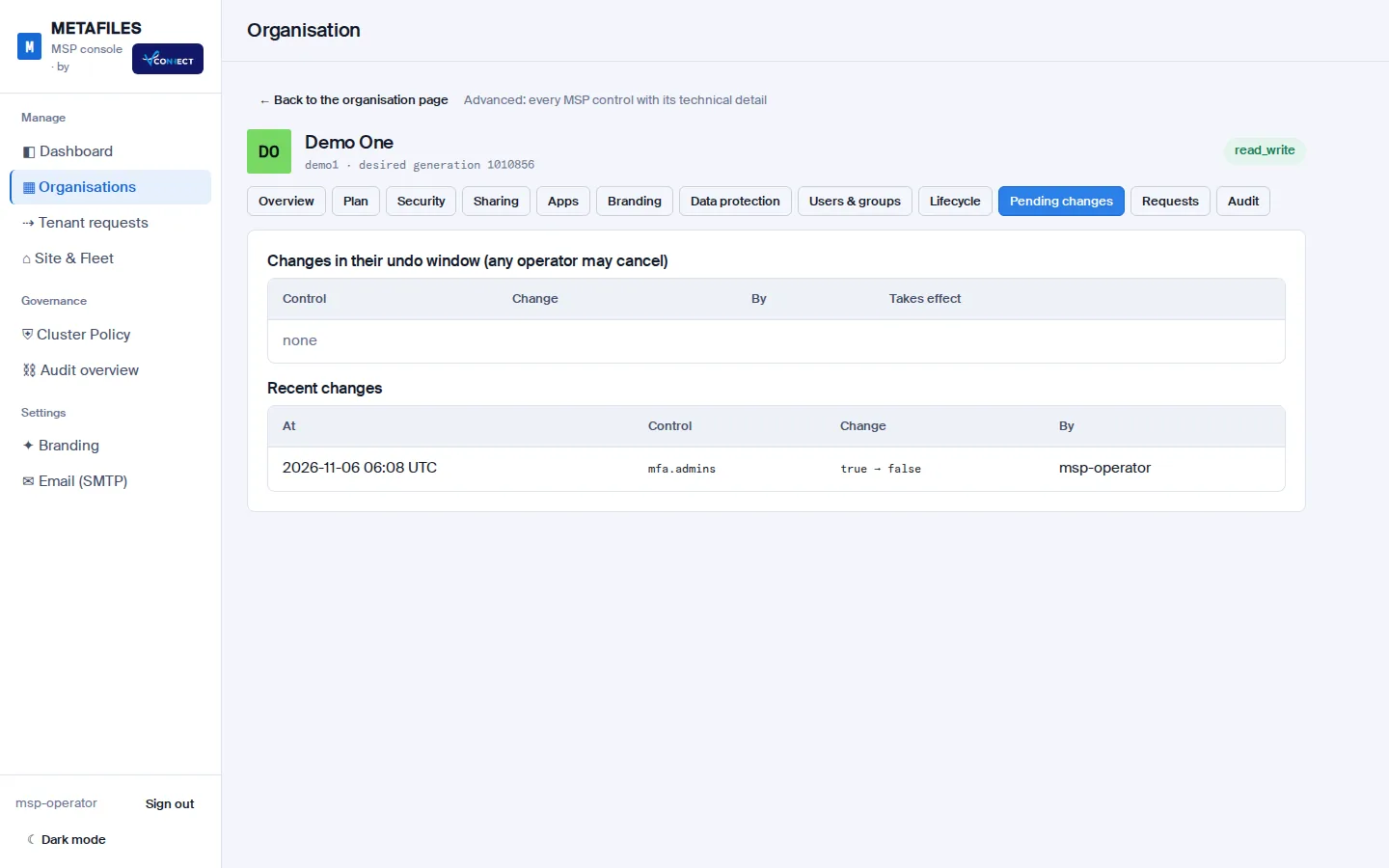
Pending changes, including a delete in its undo window, are also listed under Advanced > Pending changes, where any operator can cancel them.
What a delete removes
The site works through 13 steps, in this order:
- Checks for retained data (WORM, legal hold) and refuses if anything is held.
- Removes the organisation's portal from every app server.
- Removes it from the site plan.
- Removes its load-balancer routes.
- Removes its Office and Talk entries.
- Removes its portal settings service entries.
- Removes its console enforcement entries.
- Removes its public route at the edge.
- Removes its database and database user.
- Removes its cache user and cached data.
- Removes its stored files from the engine.
- Removes its public address (DNS).
- Removes its secrets from the control plane.
When every step is done, the engine removes the organisation's record and retires its ID for good: a new organisation needs a new ID. A deletion record is kept that names who asked, the ID they typed, every step, and the last entry of the organisation's audit trail, so the removal itself can be proven.
Note: For an organisation that kept its files in its own store (Amazon S3, another S3 service or its own server), the delete destroys the organisation's encryption key, so the data left in that store can no longer be read. The delete does not empty the customer's bucket.